Your platforms. More possibilities.

Put AI to work on the platforms you already run.

QxOrbit finds where AI agents and automation matter, implements them inside Salesforce, Oracle, and SAP with people in control, and supports the applications your business depends on, including the ones we did not build.

Transcript
  1. Work still stalls between systems. Handoffs wait. Documents sit unread. Approvals live in email.
  2. Powerful applications, but the work in between them is still done by hand.
  3. We start by finding where AI and automation are worth it, and what controls they need.
  4. A prioritized plan, not a pilot that goes nowhere.
  5. Then we connect the platforms you already run. A rule handles what is known. An assistant proposes the rest. A person approves anything that commits the business.
  6. Every action recorded. Every exception routed.
  7. And we keep it working: monitoring, release checks, safe fallback, and an improvement backlog. Including the applications we did not build.
  8. QxOrbit. Intelligence. Put to work. Across Salesforce, Oracle, and SAP.

See how a workflow runs.

Sample scenarios: where a rule acts, where an assistant proposes, where a person approves, and what application management watches afterward. Not a live system.

Resolving an order exceptionIllustrative workflow. Intended outcome: Customer order delivered on the committed date.
  1. SystemRequest. A customer success manager flags that order 4471 shows 'shipped' in CRM but 'on hold' in the ERP.
  2. SystemContext gathered. Order status from both systems, credit hold reason, warehouse allocation, and the customer's commitment date are collected from approved sources.
  3. AI assistRule or agent step. A rule confirms the hold is a credit review. The assistant drafts the explanation and proposes two options: release with approval, or split shipment.
  4. PersonHuman approval. The credit controller reviews the proposal and approves the release. No commitment is made without an authorized person.
  5. RuleAuthorized action. The hold is released in the ERP, the CRM record is updated, and the customer success manager receives a confirmation with the recorded result.
  6. SupportMonitoring and support. Resolution time and manual touches are recorded. A repeat pattern is raised to the application management backlog.

The rule handles what is known, the assistant handles interpretation, a person approves anything that commits the business, and the result feeds ongoing support. Discuss order exceptions

Clearing an invoice exceptionIllustrative workflow. Intended outcome: Supplier paid correctly, on the agreed terms.
  1. SystemRequest. A supplier invoice fails three-way matching: the quantity billed does not match the goods receipt.
  2. SystemContext gathered. Invoice lines, the purchase order, receipt records, and the supplier's recent history are assembled from the ERP and the document store.
  3. AI assistRule or agent step. A rule flags the quantity variance. The assistant extracts the invoice facts, explains the mismatch in plain language, and proposes the likely cause: a partial delivery not yet receipted.
  4. PersonHuman approval. The accounts payable lead confirms the partial receipt with the warehouse and authorizes posting for the received quantity only.
  5. RuleAuthorized action. The invoice is posted for the approved amount, the remainder is held with a recorded reason, and the supplier receives a clear notice.
  6. SupportMonitoring and support. Exception age and extraction accuracy are tracked. Recurring variances with the same supplier are raised for root-cause review.

A sample, not a live system. Rules catch the known mismatch, the assistant explains it, finance authorizes any posting or payment, and recurring patterns feed application management. Discuss invoice exceptions

Work still stalls between systems, documents, teams, and approvals.

Four situations, and how we address each.

We have ideas and vendor pitches, but no clear view of which AI opportunities are real, feasible, and worth funding first.

Advisory determines direction.

You receive: Opportunity register with feasibility and risk assessment.

Advisory and consulting

A pilot proved the capability. Nobody has resolved integration, access, evaluation, adoption, or who owns it in production.

Implementation consulting turns a demonstration into a solution your teams can use through architecture, process design, configuration planning, delivery oversight, adoption support, and built-in controls.

You receive: Integrated solution on your existing platforms.

AI agents and implementation

Work stalls between systems. People re-key data, chase context in email, and handle every exception by hand.

Integration, rules-based automation, and AI agent reasoning are complementary choices, not competing ones.

You receive: Defined end-to-end workflows with ownership and traceability.

Integration and process automation

Support backlog and repeated incidents consume the capacity we need to improve anything.

Application management takes on a scoped share of support for your existing applications and agents, runs it to agreed service definitions, and turns what we learn into an improvement backlog.

You receive: Transition plan and service catalog.

Application management and continuous improvement

Use cases by platform and business function.

Illustrative solution concepts: the problem, the proposed workflow, where a person stays in control, and what to measure. Not case studies.

Explore all use cases
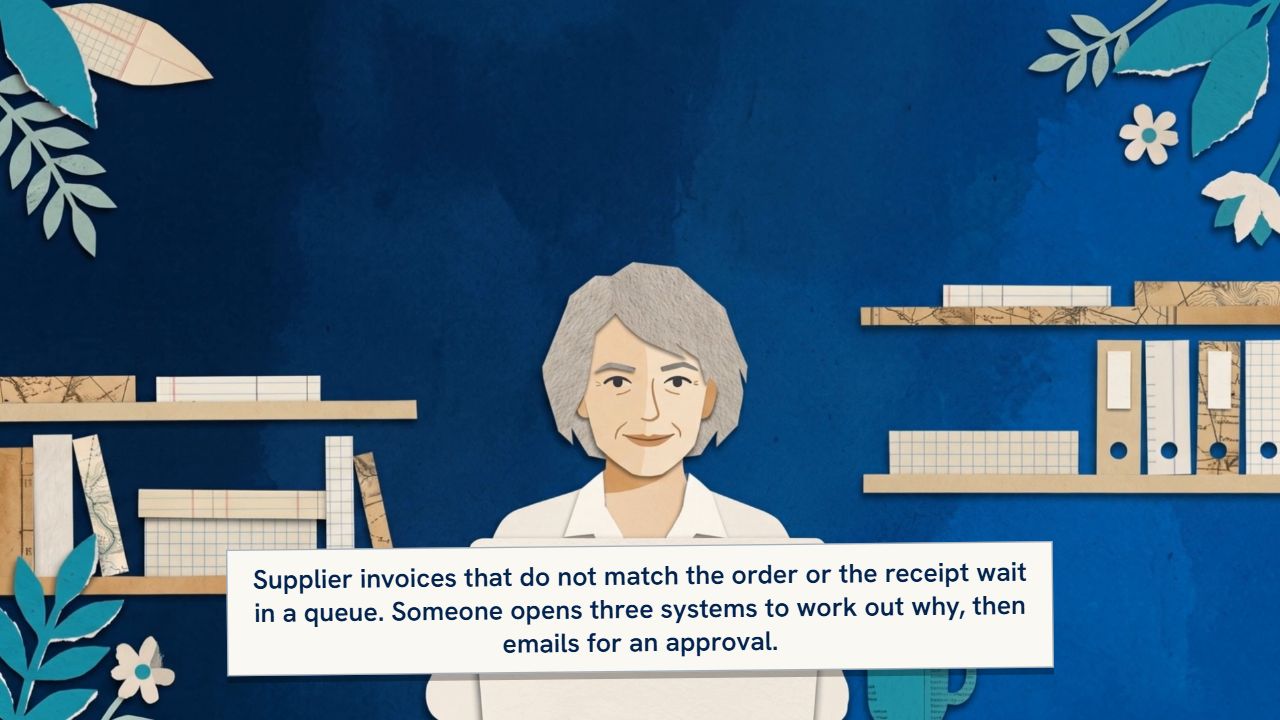
Oracle · SAPInvoice exception workbenchInvoices that do not match the order or receipt are explained and routed to an owner, and finance authorizes every posting.ImplementAutomate
Transcript
  1. Supplier invoices that do not match the order or the receipt wait in a queue. Someone opens three systems to work out why, then emails for an approval.
  2. The workbench extracts and checks invoice details, compares order and receipt data, explains mismatches, and routes exceptions to their owners.
  3. Finance authorizes every posting and payment. Uncertain extraction results go for manual review. The workbench proposes; it does not post.
  4. Measured on exception age, extraction errors, and rework. Illustrative use case. Let us discuss yours.
See the scenario (1:06)
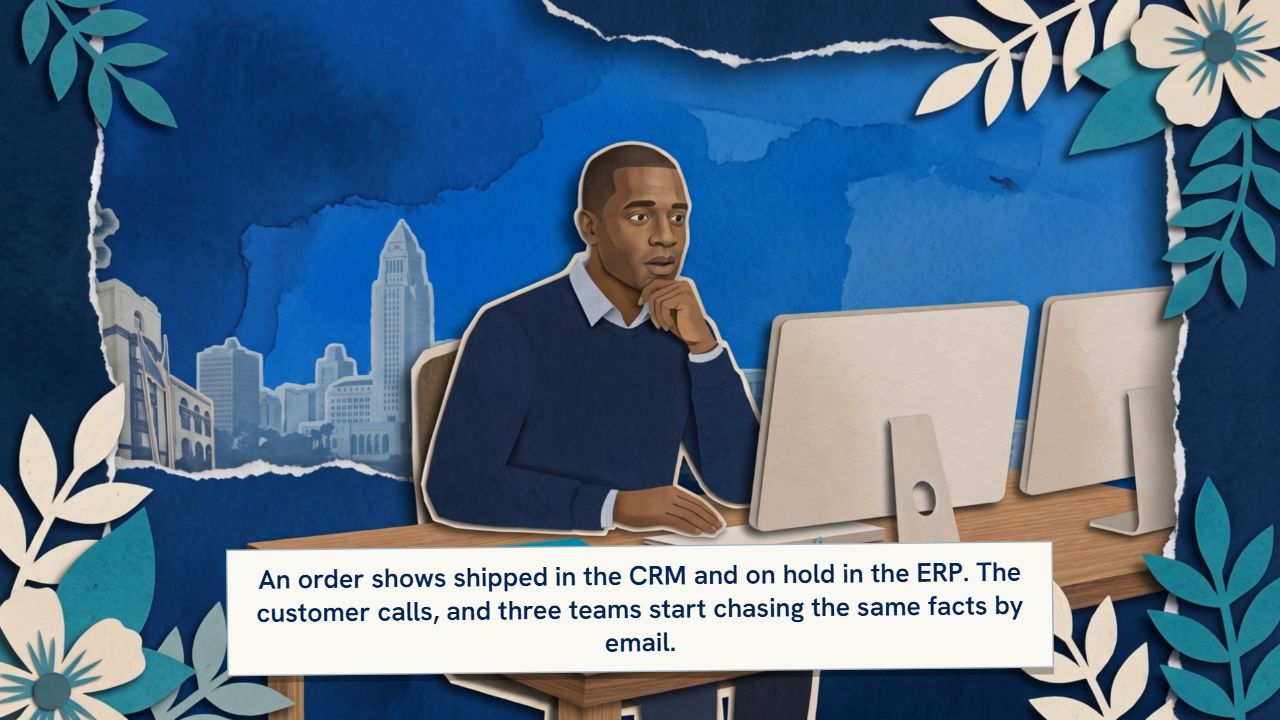
Salesforce · SAP · OracleOrder exception coordinationCRM and fulfillment context form a shared view of a stalled order; missing steps are identified and tasks proposed for an authorized owner to approve.ImplementAutomate
Transcript
  1. An order shows shipped in the CRM and on hold in the ERP. The customer calls, and three teams start chasing the same facts by email.
  2. The workflow gathers sales and fulfillment status, identifies the missing step and its owner, and proposes coordinated tasks.
  3. An authorized owner approves order changes and customer commitments. The outcome is recorded in both systems.
  4. Measured on time to resolve and manual touches per exception. Illustrative use case. Let us discuss yours.
See the scenario (1:01)
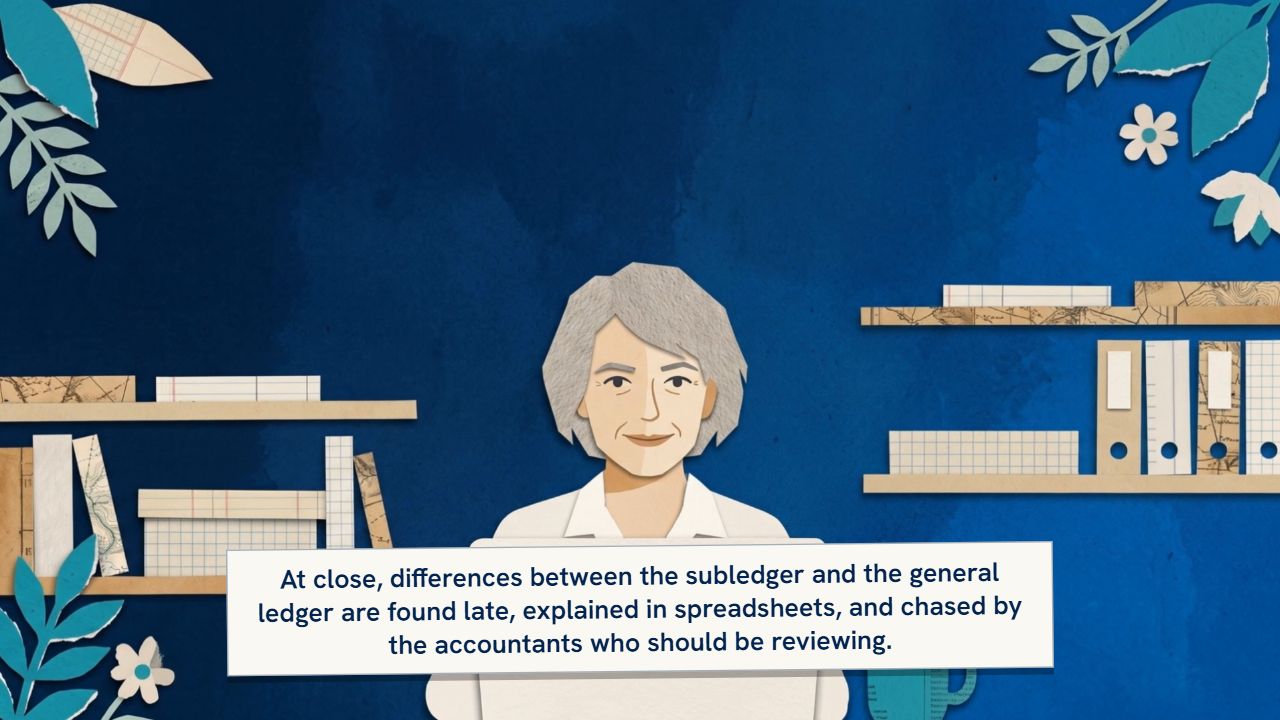
Oracle · SAPClose and reconciliation assistanceReconciliation evidence is assembled, differences flagged and explained in draft, and exceptions routed to an accountant for review and posting.ImplementAutomate
Transcript
  1. At close, differences between the subledger and the general ledger are found late, explained in spreadsheets, and chased by the accountants who should be reviewing.
  2. The assistant assembles evidence, flags differences, drafts explanations, and routes unusual items to an accountant. Conclusions and proposed entries go for review.
  3. An accountant reviews every conclusion and approves every posting. Explanations remain drafts until the reviewer signs off.
  4. Measured on unresolved exceptions and review effort. Illustrative use case. Let us discuss yours.
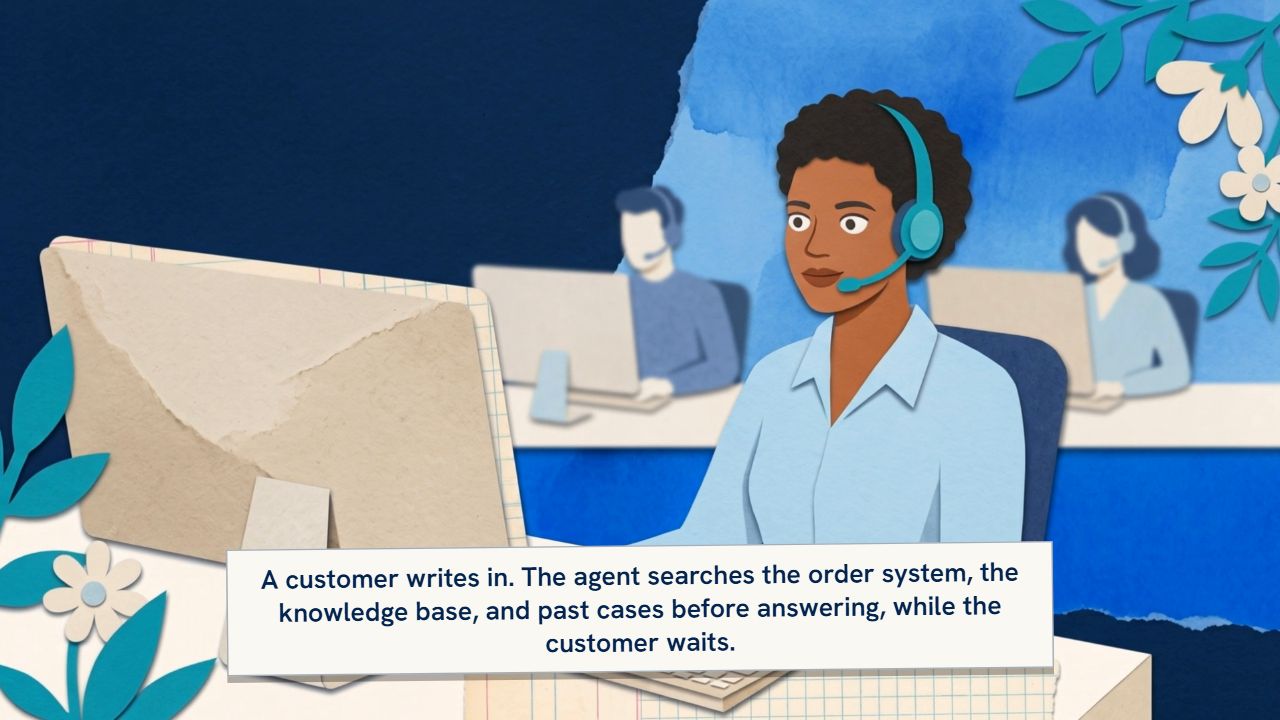
Salesforce · OracleService case resolution assistanceService cases are classified, responses drafted from approved knowledge and permitted account context, and sensitive or unsupported cases routed to a person for review.ImplementAutomate

Transcript
  1. A customer writes in. The agent searches the order system, the knowledge base, and past cases before answering, while the customer waits.
  2. The assistant classifies the request, retrieves approved knowledge and permitted account context, and proposes a next action and a response with sources.
  3. A person reviews sensitive cases and approves customer commitments. Unsupported proposals go to a person rather than becoming answers.
  4. Measured on handling time, grounded-answer quality, and reopen rate. Illustrative use case. Let us discuss yours.
Salesforce · OracleSales handoff and opportunity preparationApproved account context, flagged gaps, and drafted handoff notes reach the seller, who confirms anything before it goes to the prospect.ImplementAutomate
Transcript
  1. A lead qualifies, and the handoff to the account team is a forwarded email. The first call repeats questions the prospect already answered.
  2. The assistant gathers approved account context, flags missing or outdated details, and drafts the handoff and follow-up tasks for the seller to review.
  3. The seller reviews the brief before anything reaches the prospect. Tasks are created and the handoff is recorded only after that review.
  4. Measured on preparation time and handoff completeness. Illustrative use case. Let us discuss yours.
SAP · OracleSupplier onboarding supportSupplier documents are checked against the checklist, missing evidence flagged, and approvals routed; authorized staff make the onboarding decision.ImplementAutomateAdvise
Transcript
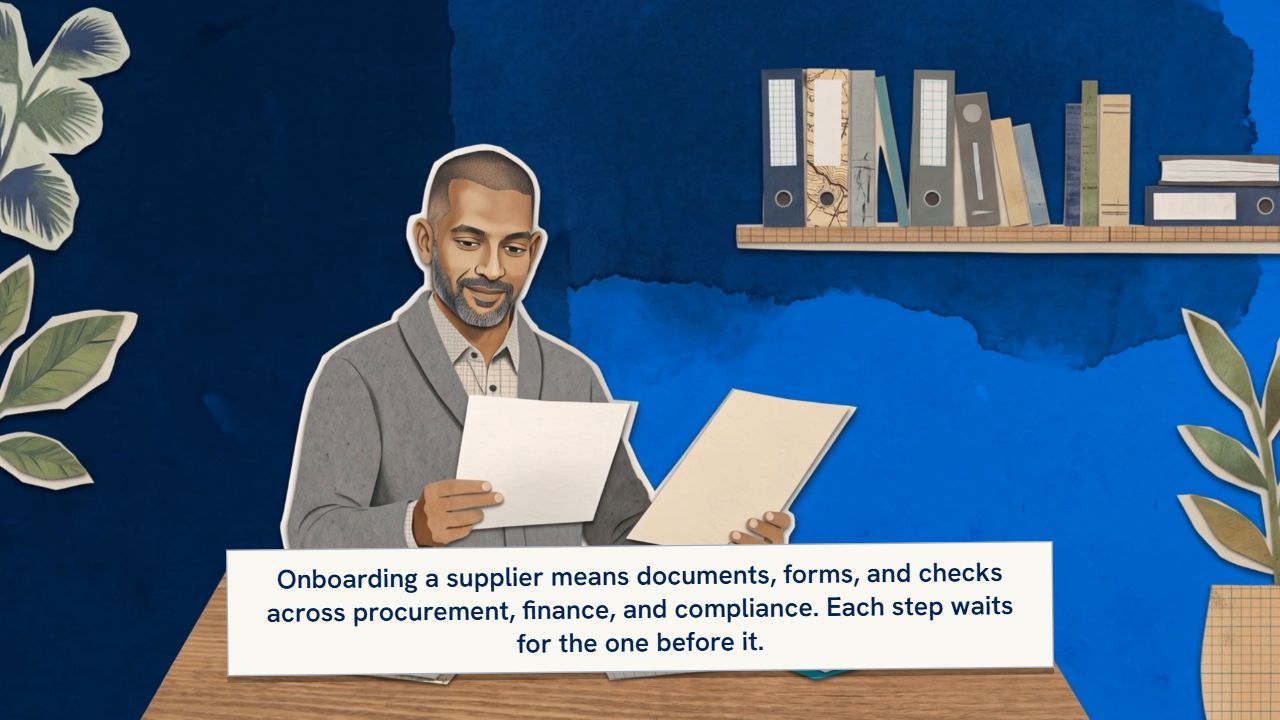
  1. Onboarding a supplier means documents, forms, and checks across procurement, finance, and compliance. Each step waits for the one before it.
  2. The workflow checks supplier documents against the checklist, flags missing or inconsistent evidence, prepares approval summaries, and tracks approvals.
  3. Authorized staff approve onboarding and create the vendor record. Bank detail changes require separate human verification.
  4. Measured on completeness and onboarding cycle time. Illustrative use case. Let us discuss yours.

Built on the platforms you already run.

We start from your existing investment. Each ecosystem gets the same four services, with the specifics of its AI capabilities, integrations, and release cadence.

Salesforce

Service agents search several systems for context before they can answer a customer.

AI and automation
Agentforce opportunities, sales and service workflows, enterprise knowledge, and authorized integrations.
Application management
Scoped CRM configuration, incidents, flows and integrations, data-quality issues, release readiness, and an enhancement backlog.
Salesforce services

Oracle

Invoice and order exceptions wait in queues because the facts live in three places.

AI and automation
Fusion Applications AI, AI Agent Studio, workflow and integration opportunities. Fusion Claw is evaluated where it is available and suitable.
Application management
Scoped Fusion CX and ERP application support, integrations, reporting issues, release regression, and operational improvement.
Oracle services

SAP

Supplier onboarding and invoice exceptions depend on documents nobody has time to read.

AI and automation
SAP Business AI, Joule and Joule Studio, workflow and integration opportunities.
Application management
Scoped application and process support, integration incidents, release and change readiness, and an improvement backlog.
SAP services

QxOrbit is an independent firm. Vendor names are used descriptively.

How we work.

  1. Process before technology. We map how work actually moves before choosing an agent, a rule, or an integration.
  2. Your platforms are the starting point. Platform-native capabilities first; custom agents only where the platform does not reach.
  3. Integration and data readiness are part of delivery. Not a follow-on phase. Permissions, data quality, and APIs are designed with the workflow.
  4. People keep the decisions that need judgment. Approval boundaries, audit requirements, and safe fallback are designed in, not bolted on.
  5. Ownership beyond go-live. Operations, evaluation regression, and improvement are planned from the start.

Agent and automation delivery

  1. Discover
  2. Design
  3. Connect
  4. Evaluate
  5. Deploy
  6. Monitor

Application management transition

  1. Discover estate
  2. Agree scope
  3. Transfer knowledge
  4. Baseline service
  5. Operate
  6. Improve

Timelines for a production agent are set after discovery, not before.

How an engagement starts, and what you receive.

Four ways to begin. Each ends with something you can act on; scope is agreed in discovery, not assumed.

Readiness and roadmap

Leaders who need a prioritized, defensible plan before committing budget.

You receive
  • Opportunity register
  • Readiness findings on applications and data
  • Prioritized roadmap and pilot charter
Scope depends on

Processes, platforms, stakeholder availability.

Discuss a roadmap

Focused implementation pilot

Teams with a validated opportunity who need it built, evaluated, and handed over properly.

You receive
  • Integrated agent or workflow in a focused scope
  • Evaluation evidence and control design
  • Deployment, rollback, and operating plan
Scope depends on

Licenses, data, permissions, evaluation criteria.

Scope a pilot

Integration improvement

Organizations whose processes stall between CRM, ERP, and documents.

You receive
  • Workflow definitions with exception handling
  • Integration design and monitoring
  • Ownership and traceability model
Scope depends on

Systems, APIs, exceptions, release cadence.

Review a workflow

AMS transition and ongoing service

Application owners who need reliable support and a path to improvement for what they already run.

You receive
  • Transition plan and service catalog
  • Baseline service with agreed definitions
  • Improvement backlog and release readiness
Scope depends on

Estate coverage, service hours, severities, vendor escalation.

Improve application support

Tell us what is stalling, and where.

A first conversation is about your priorities and your platforms, not a pitch. We will tell you plainly whether advisory, implementation, integration, or application management is the right place to start.

Discuss your priorities

Accessibility options

Off: these options apply to this page only.

Settings are kept on this device only.

These switches need JavaScript, which is off in this browser. Your system settings for text size, contrast and motion still apply.

qxorbit.ai uses no analytics or advertising technology. Choose whether the site may keep your preferences in your browser.

  • Strictly necessaryAlways on

    Remembers this choice and protects the contact form from automated abuse (Cloudflare Turnstile, contact page only).

  • Keeps the accessibility options you switch on, only after you ask the site to remember them. Off: the options apply to the current page only and nothing is saved.

  • AnalyticsNot used

    Not used on this site.

  • MarketingNot used

    Not used on this site.

Cookie notice · Privacy notice